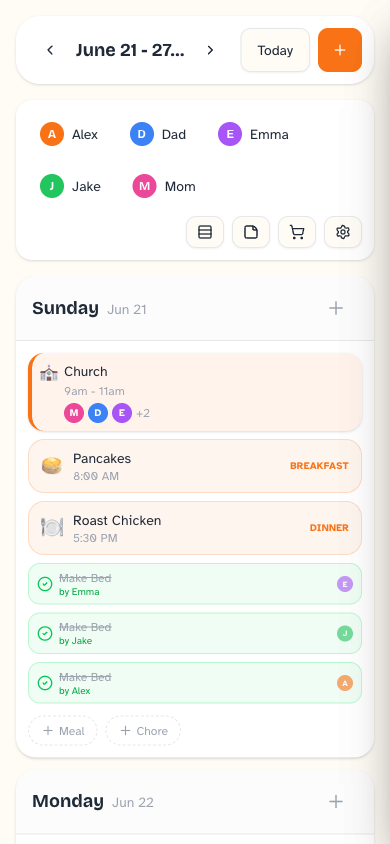
Wake up on the
same page.
One shared family calendar that's ready before the coffee is — events, meals, chores, and lists in one warm, glanceable place. And nothing new to buy: Daybreak runs on the phone, tablet, or browser you already have.
No credit card to start. $9.99 CAD/month after your trial — cancel anytime.
- Runs on devices you already own
- Built on open, modern tech
- Integrations are opt-in
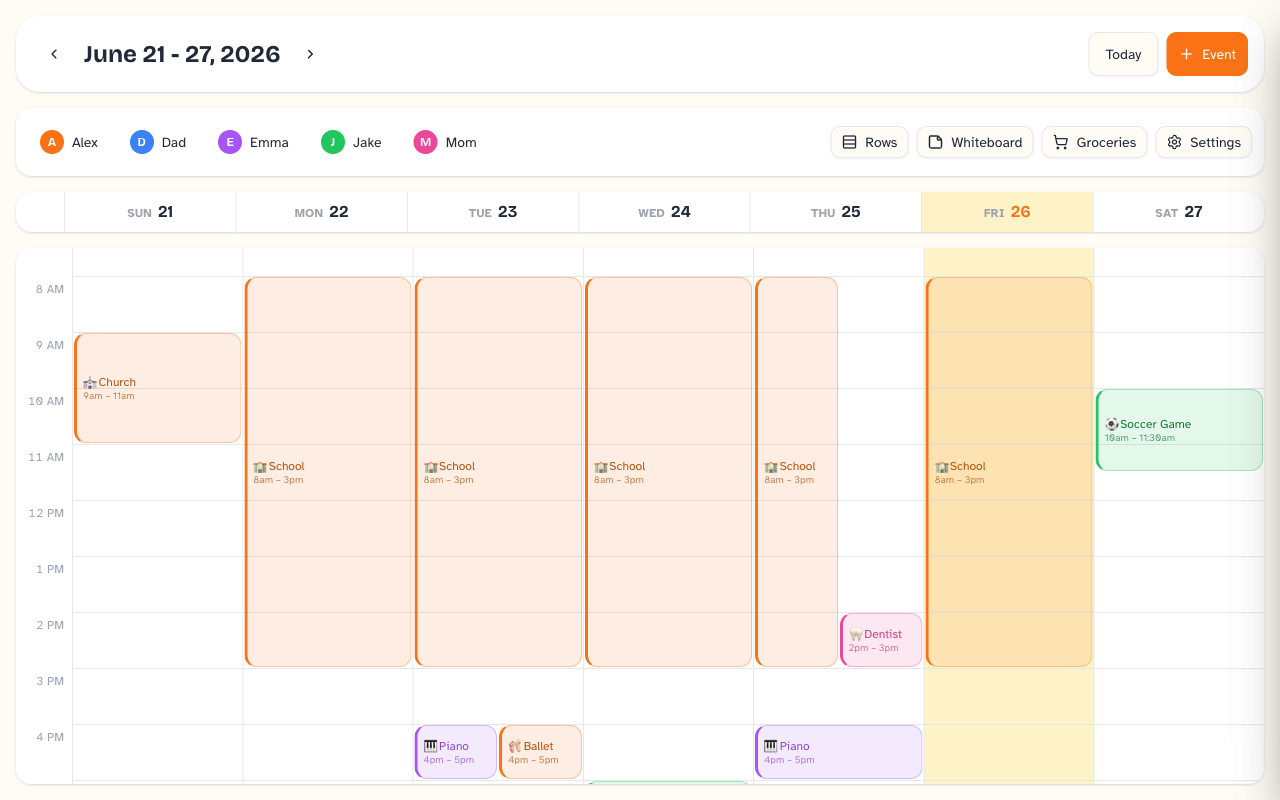
Decide what's for dinner before you've had breakfast.
Keep a short list of meals your family actually likes, drop them onto the week, and stop answering “what's for dinner?” from scratch. Save the full recipe — ingredients and steps — and pull it up in large, easy-to-read type right on the kitchen screen while you cook. Optional AI suggestions can riff on your favorites, or turn an idea into a complete recipe, when you want them — and stay quiet when you don't.
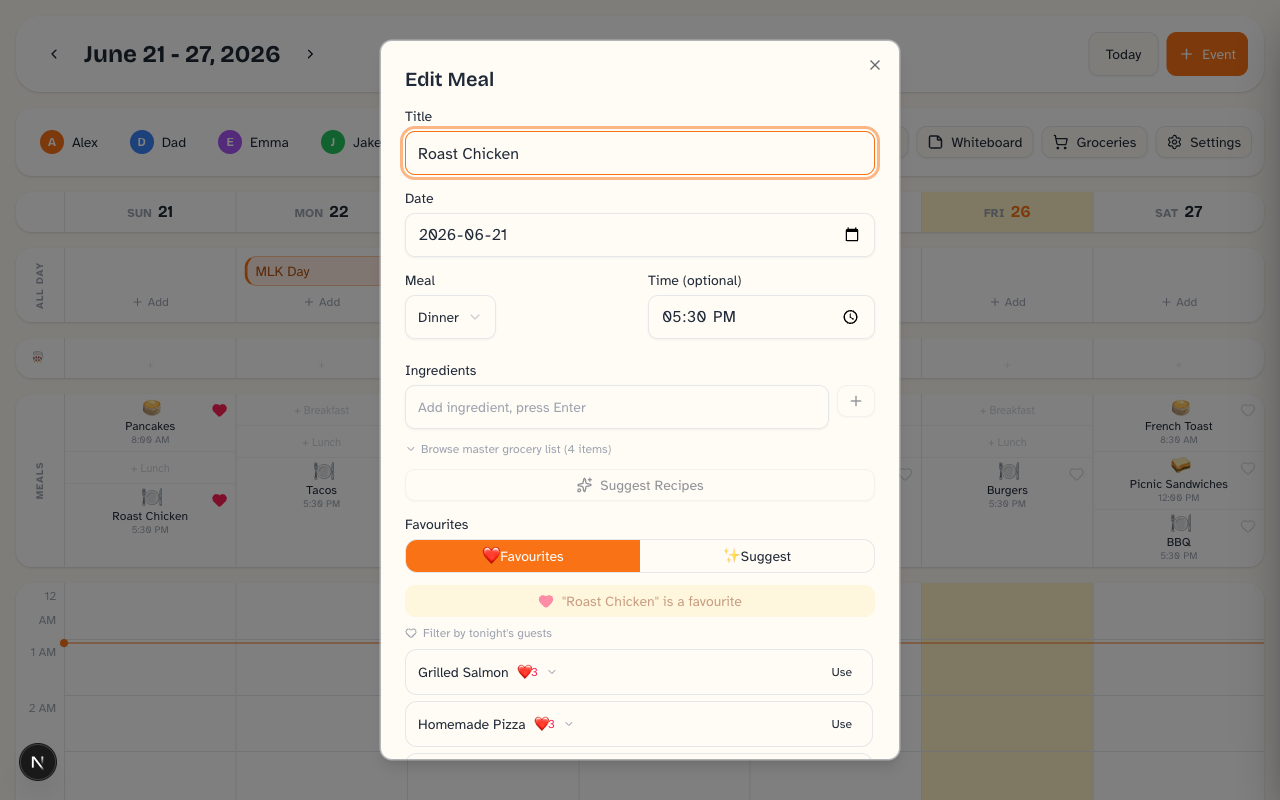
Everyone's day, color-coded at a glance.
Each family member gets a color, so the whole household's week reads in a single look — practice, work, the appointment, the school play. Recurring events, all-day events, and birthdays are all in there, with the local forecast right in the header so you know whether to grab a coat on the way out.
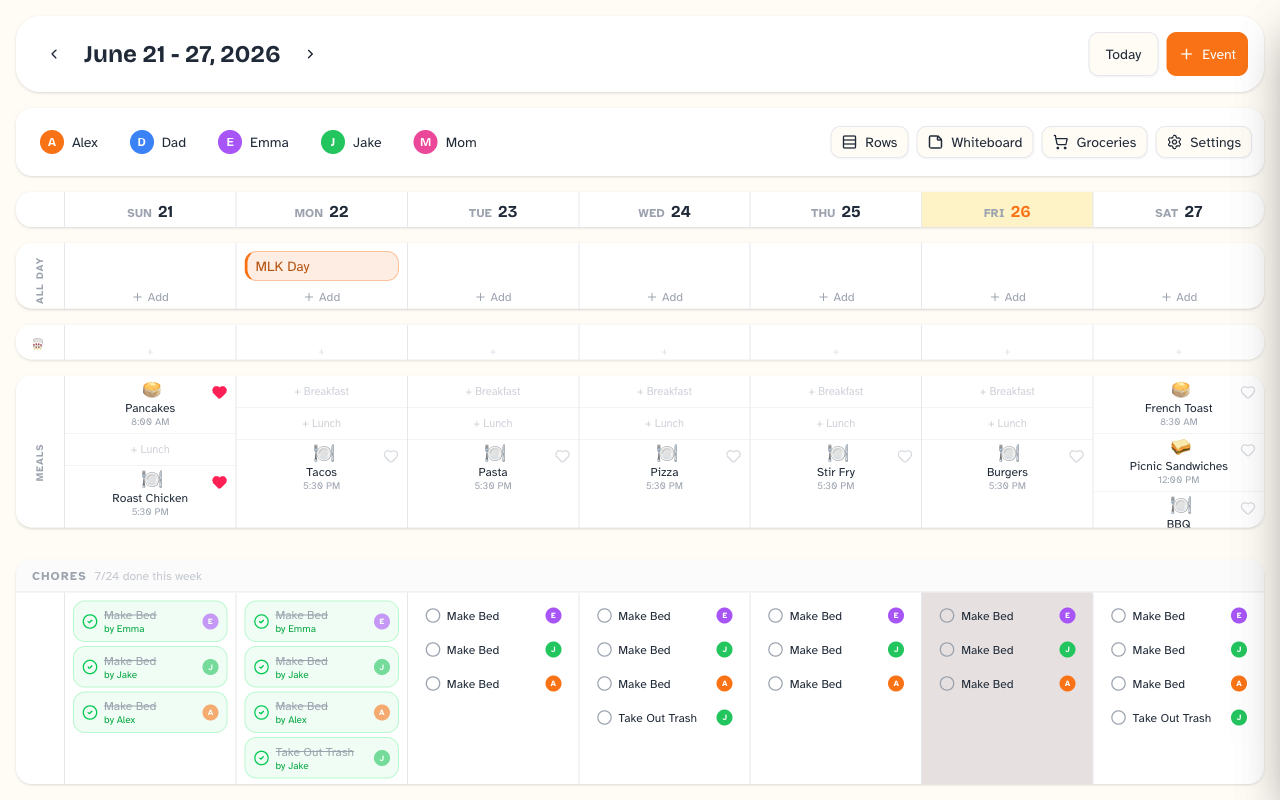
Chores kids actually want to finish.
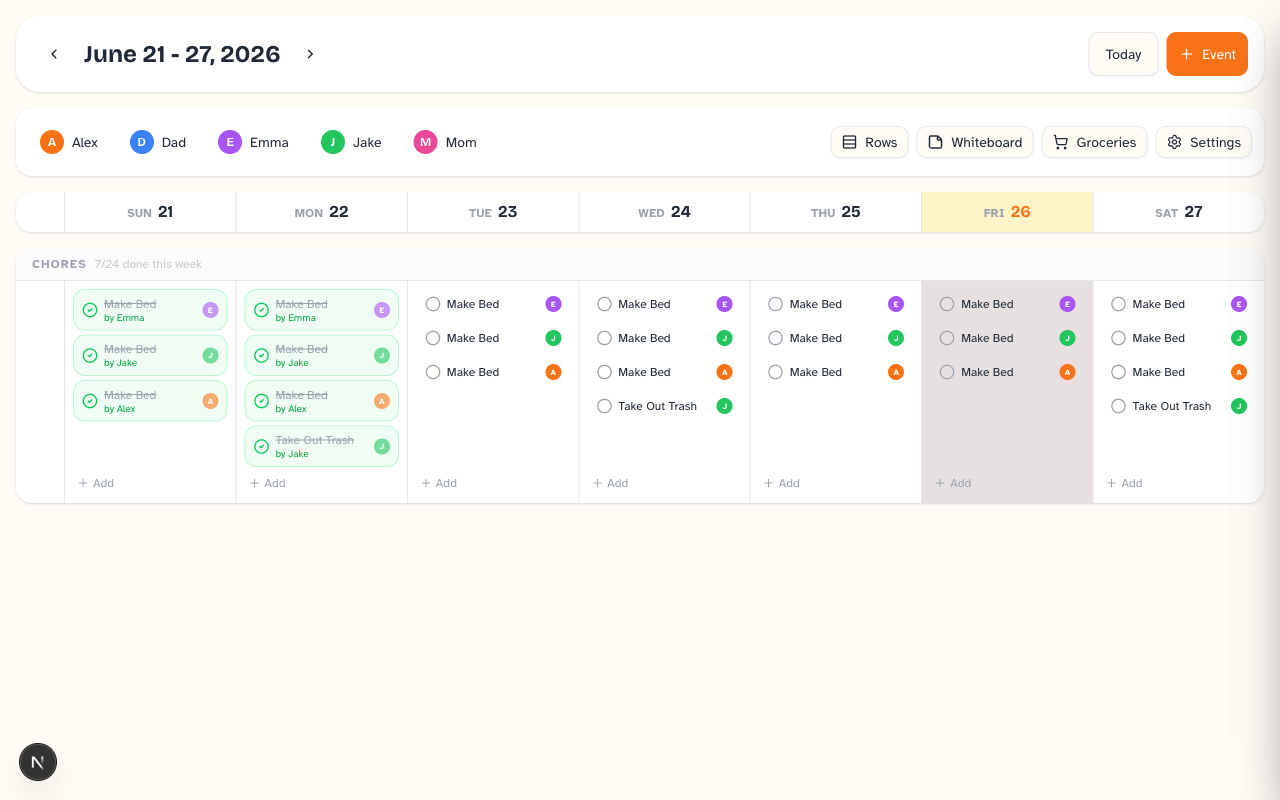
Give each chore a point value, let kids check it off, and watch the points add up toward rewards your family chooses — turning “do your chores” into something they're motivated to do. Keep as many shared lists alongside as the week needs — packing, homework, weekend projects — visible to everyone. Parents and kids, the same lists, no nagging required.
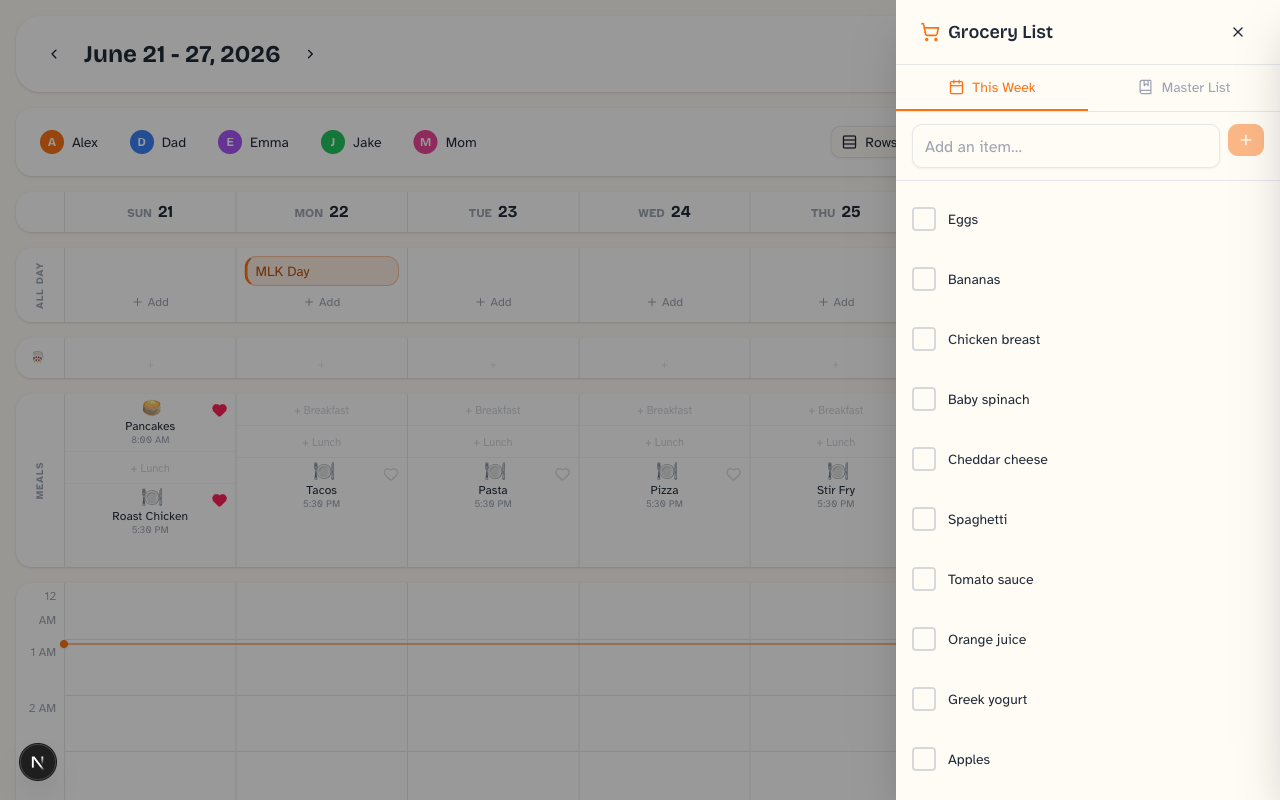
A grocery list that's always in your pocket.
Keep a running master list plus one for the week, and check things off at the store from any phone. Staring at a full fridge? Optional recipe ideas can suggest something from what you already have.
The day remembered — the week ahead on the fridge.
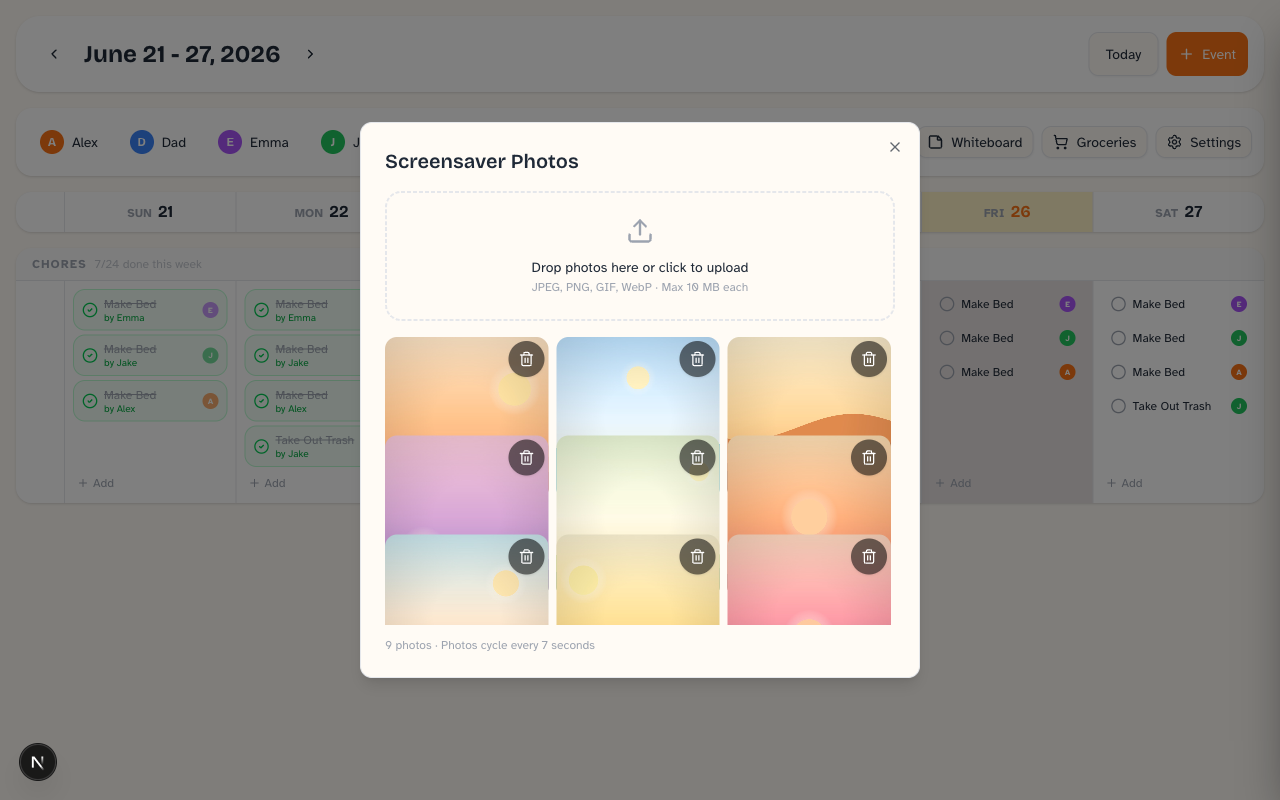
A family photo wall doubles as a screensaver on your kitchen screen. A shared whiteboard holds the notes, reminders, and doodles that used to live on sticky notes around the house.
Being straight with you
A few things aren't ready yet — reminders & notifications, a month view, and native iOS/Android apps are all on the way. We'd rather tell you that up front than oversell.
It runs on what you already own.
Daybreak is a hosted app you sign into from any phone, tablet, or browser. Prop up an old tablet in the kitchen and you have a family calendar wall — without spending on a single-purpose screen. Your family, your devices.
- Open it in any modern browser
- Install it like an app — works offline, syncs when you're back
- Native iOS & Android apps coming soon
No credit card to start. $9.99 CAD/month after your trial — cancel anytime.